Deterministic Baseline
01 · Calculate
Deterministic Engineering Engines
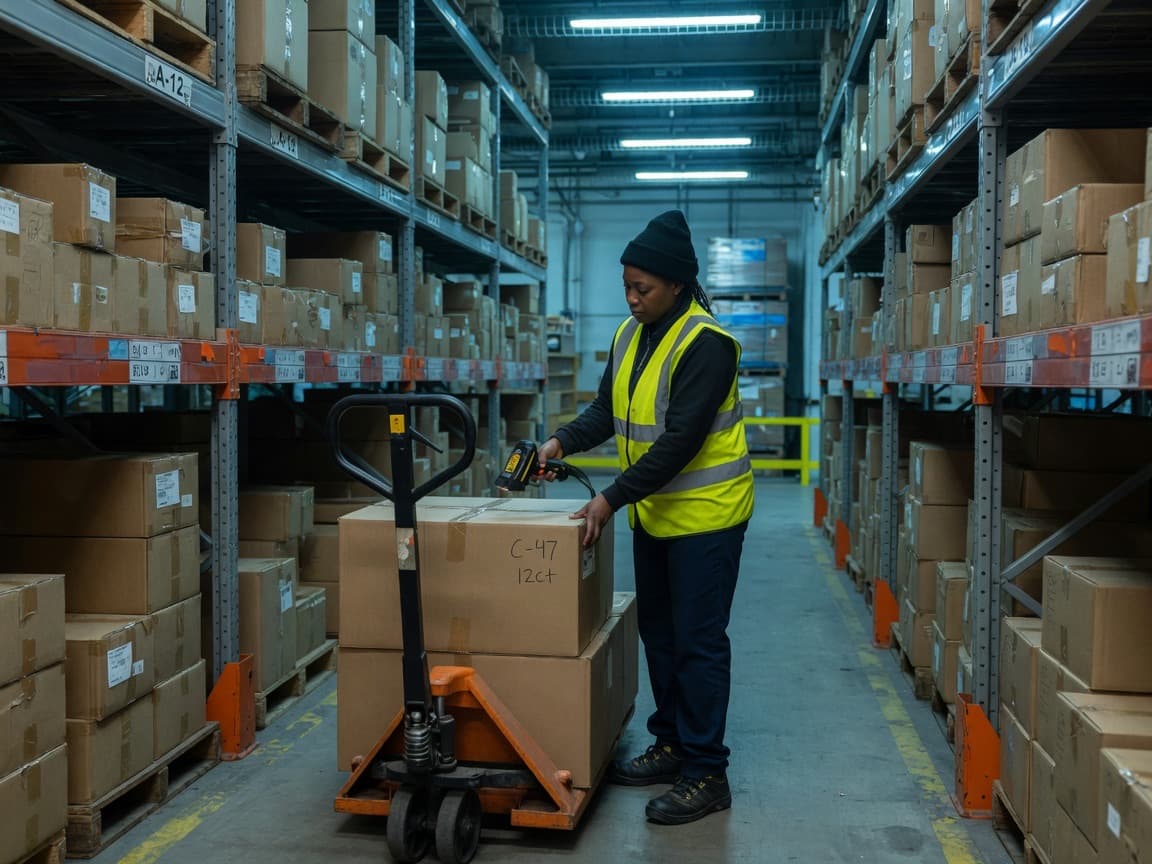
Enter daily volume, assumed process time, roster configuration and current crew. The engine calculates required FTE, available daily volume and exact capacity gaps.
Loading
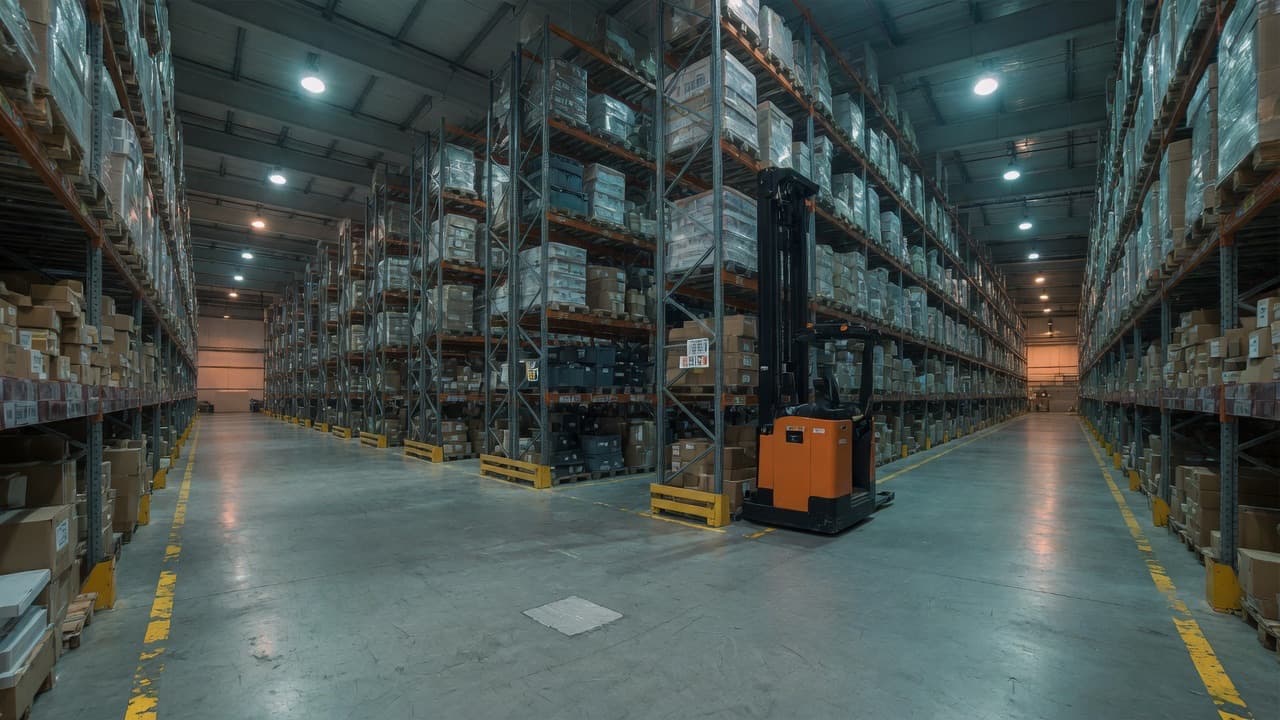
Stop rebuilding fragile spreadsheets the night before an executive review. Model building footprints, SEMA pallet racking, dock hall turnarounds and staffing curves with verified industrial engineering engines.
Dynamic Warehouse Blueprint & Sizing
About 92 × 42 m with 8 docks and 12 yard spaces.
Storage block
2,581 m²
3,600 racked · 900 on the floor
Racking levels
7
3,612 positions
Recommended eaves
10.0 m
Areas are to scale. The arrangement is typical, not a design: the storage block and marshalling area would be laid out around your site.
Gross Footprint
3,840 m²
Building Envelope
92 × 42m
Dock Doors
8 Bay Doors
Storage Density
0.9 m²/pos
30
Verified calculation engines
Deterministic arithmetic
10
Production Excel templates
Unlocked in toolkit
5
Completed worked cases
Inbound, pick & storage
£79
Lifetime access
One-off payment
Enter your floor parameters below. The diagnostic engine stress-tests labour capacity, dock throughput, and vertical cube to detect hidden margin leakage.
Simulates Q4 Black Friday or promotional surges without modifying baseline roster.
Health Score
Out of 100
Labour allocation is running within the optimal ±5% efficiency window.
8.8 FTE Req
+1.2 surplus staff
9 Trailers/day
Smooth turnaround
5.6 m²/unit
VNA headroom
Prioritized Engineering Interventions
Model Narrow Aisle (VNA) or High-Density Racking
Your 7,500 m² footprint can yield +38% pallet capacity by migrating wide reach truck aisles (3.0m) to guided VNA (1.8m).
Impact: Defers external 3PL overspill lease commitments.
Run Process Cycle-Time Kaizen on Primary Pick Wave
Shaving just 5 seconds off the current 45s cycle time frees up 6.3 daily productive hours.
Impact: Increases throughput headroom without increasing headcount.
Explore the 5 core operational domains. Every engine calculates transparent outputs with published arithmetic identities.
Size any warehouse process from observed cycle time or MTM assumptions. Account for rostered hours, productive allowances and shift patterns without burying utilization factors in arbitrary spreadsheet cells.
Operational Engineering Parameters
Staffing Precision
±0.1 FTE
Sensitivity Range
−20% to +20%
Identity
Deterministic v1.0
Transparent Identity
Outputs are calculated deterministically from standard industrial engineering formulas. All calculations map directly to checked Excel formulas.
The workbench answers four critical operational questions: how many people are needed, what is the throughput capacity, what happens when volume swings, and how to justify it upstairs with boardroom-grade certainty.
Calculate required square meters, pallet rack elevations, dock doors and yard staging buffers before freezing warehouse capital commitments.
Accurately size headcount, MHE fleet and handling cost. Separate human crew, overtime and cycle-time levers with precision.
Generate structured management summaries with constraints, data and clear recommendations. Export directly into Excel.
Operations managers and industrial engineers dread writing executive memos for the CFO or Board. Logistics Analyzer generates formal, boardroom-grade engineering memorandums with CAD blueprints, SEMA standards, and sensitivity tables in under two minutes.
SUBJECT: CAPITAL & CAPACITY JUSTIFICATION
STATUS: CAPEX JUSTIFIED · PAYBACK 4.2 MONTHS
• Floor Footprint: 8,400 m² (10m clear eaves)
• Pallet Capacity: 5,420 positions (SEMA APR 500mm top)
• Dock Bay Allocation: 6 doors (92% peak capacity)
• Staffing Curve: 12.4 FTE (±20% surge buffered)
5. SIGN-OFF BLOCK
Lead Logistics Engineer: ________________ Date: ______
Operations Director: ________________ Date: ______
Continuous Engineering Flow
A continuous, checked workflow designed for industrial operations. Real floor data in, defensible management briefs out.
01 · Calculate
Enter daily volume, assumed process time, roster configuration and current crew. The engine calculates required FTE, available daily volume and exact capacity gaps.
02 · Optimise
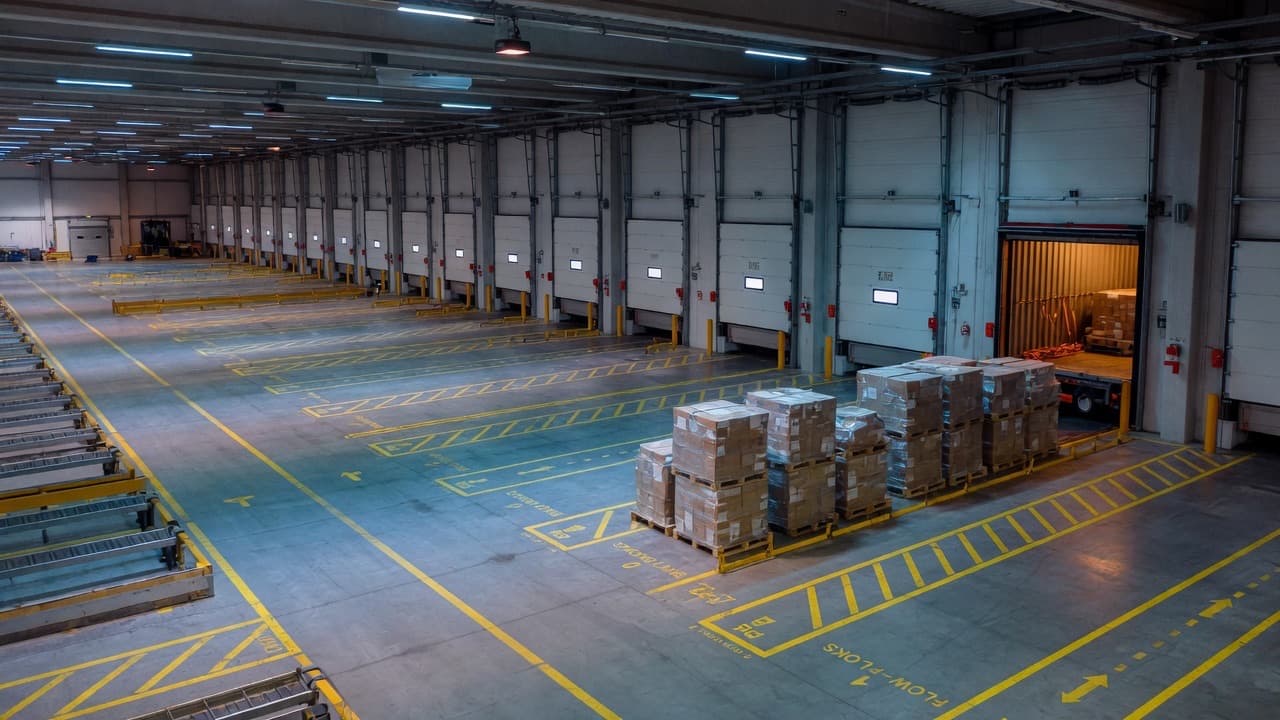
Stress-test −20% / +20% demand swings, peak hour surges, dock turnaround, absence buffers and overtime as separate engineering levers.
03 · Report
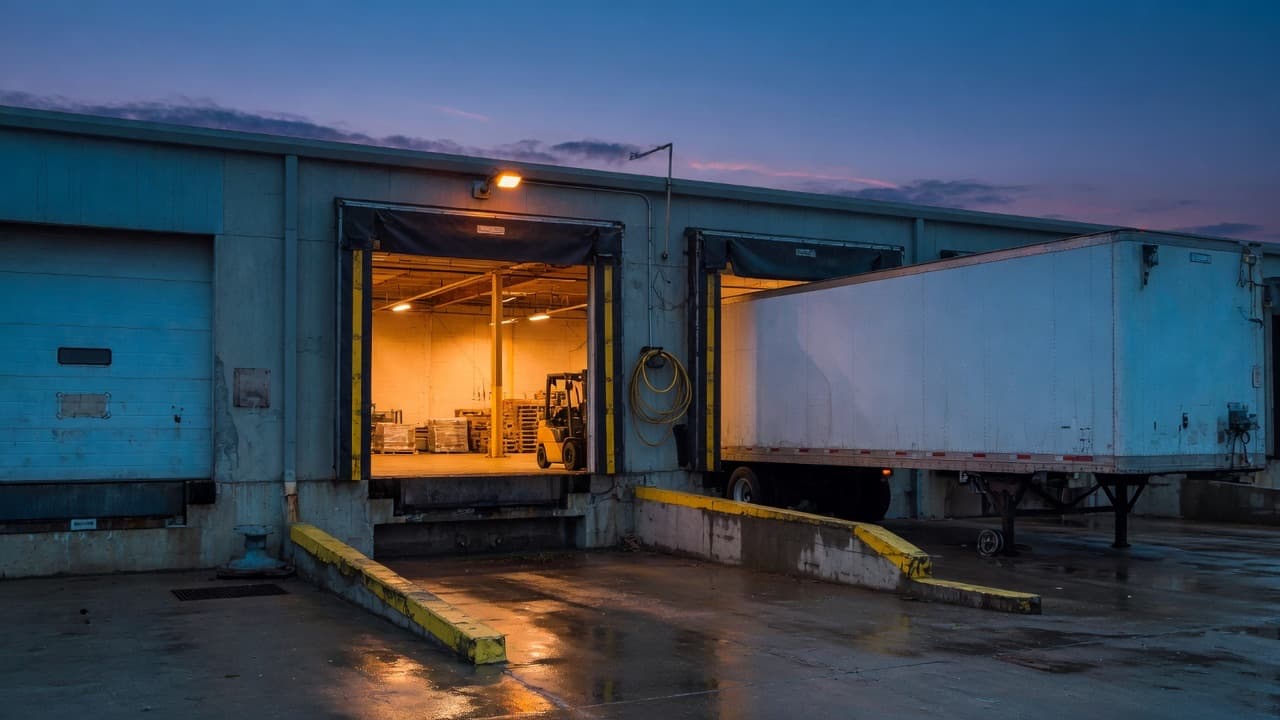
Generate structured management briefs containing the constraint, key metrics and recommendations. Identical mathematical identities across browser and Excel models.
Enter your shift volume and cycle time. The live engine immediately returns required headcount, available capacity, staffing gap, and a boardroom-ready brief.
Management Brief
Work content is 3,000 minutes/day (1,000 units × 3.00 min). Each FTE has 382.5 productive minutes per shift after a 85.0% planned-utilisation allowance. Required labour is 7.84 FTE (round up to 8 if you cannot staff fractions).
Decision-support only. Validate assumptions before using these figures for staffing or investment decisions.
Building footprint, pallet racking, MHE fleet, dock doors, staffing curves and rate cards. Open the full workbench.
Warehouse Building Size
How many square metres to rent or build, from stock, racking, floor stack, goods-in and docks.
Pallet Racking
SEMA-aligned APR: levels, bays, locations and the floor area for a given building height and truck.
Floor Storage
Block-stack on the floor: height, lane depth, footprint. For bulk SKUs that must not go into racking.
Goods-in / Lorry Hall
Marshalling floor from inbound and outbound pallets, plus docks and yard for the lorry fleet.
Storage Media Selector
APR, double-deep, push-back, drive-in, flow, shuttle, mobile or floor — from SKU depth and FIFO.
3PL Rate Card
Open-book inbound, storage, pick, pack and outbound rates from weekly volumes and cost.
Cost to Serve
Allocate warehouse cost to one customer and see if they make money.
Automation & Capex Payback
Payback, NPV, IRR and the break-even savings a capital request has to survive.
3PL Contract P&L & Break-even
Year-1 margin, break-even volume, downside and whole-term profit for a bid, with indexation and a volume commitment.
MHE Fleet
How many trucks, batteries and chargers, plus hire versus buy.
Yard / Shunter
Tugs and shunter people from drop-trailer moves, not just yard spaces.
Warehouse Capacity & FTE
Required FTE, available capacity and the +20% volume case.
Warehouse Capacity
Available throughput versus demand, with an explicit planning buffer.
Shift Capacity
Throughput per shift, day and week from a rostered crew.
Peak Capacity
What happens when the peak day and peak hour are not the average.
FTE Requirement
Direct FTE, absence cover, indirect labour and whether overtime can close the gap.
Productivity
Units per hour, earned hours and performance against an assumed time.
Utilisation
Separate process utilisation from capacity utilisation.
UK Loaded Labour
Holiday, bank holidays, NI, pension and cover — people on the floor versus people on the roster.
Pick Rate
Lines per hour and pickers for discrete, batch or zone pick.
Peak Labour Mix
Permanent, agency or overtime for the peak. Annual cost of each and how long a peak must last before hiring wins.
Time Standard Builder
Turn MTM element times (TMU) into a standard, units per hour, FTE and labour cost per unit.
Dock Capacity
How many vehicles the docks can process, and how many docks you need.
Vehicle Processing
Arrival rate, service rate, peak-hour queue and yard spaces.
UK Trailer Cube
26 UK or 33 Euro on a 13.6 m trailer, or weight-limited, then how many vehicles.
Dock Queue & Wait Time
How long trucks wait at the peak hour, how many docks keep waits inside a target, and what the queue costs.
Storage Capacity
Pallet locations, fill target, location gap and days of cover.
Safety Stock → Space
Max-method safety stock turned into pallets, locations, m² and rent.
Capacity Gap
Unit gap, FTE gap, overtime hours or process time needed to close it.
ABC Slotting
How many pick hours you save if A-movers sit in the golden zone.
Operational Case Studies
Study exact worked methodologies. Every case study is built from industrial principles across picking, cross-docking, storage and manpower.
Inbound warehouse
80 vehicles/day through 8 docks.
Outbound warehouse
Orders through pack and despatch on one page.
Picking operation
1,000 cases/day at 3 minutes each.
Vehicle receiving
Arrival rate, occupancy and yard spaces.
Manpower optimisation
Absence, indirect and overtime as separate levers.
The complete professional engineering suite. Calculators, spreadsheet packs and worked studies for warehouse capacity, manpower, docks and rate cards.
Price
£79
Lifetime access to all 30 models online. Download the complete matching Excel workbook pack whenever you are ready.
Who It Is For
Size a process from observed or assumed time and take a defensible number into a design review with senior engineering leaders.
Instantly see whether today’s crew holds the schedule, and exactly what a 20% volume step or seasonal peak does to the roster.
Separate manpower, overtime and process-time levers before you write and submit the capital or Kaizen proposal.
Turn a complex dock, storage or labour problem into a clean one-page executive brief instead of maintaining fragile ad-hoc workbooks.
Transparency & Methodology
Built from years of operational design: high-bay VNA, reach trucks, MTM predetermined time methods, shift balancing and 5S logistics engineering.
Every engine ships with clear mathematical identities, boundary limits and test cases. Fully checked against extreme and edge parameters.
Pre-built executive brief templates, Kaizen proposals, operational audit checklists and rate card models ready to present.

Start with the free calculator right now, or unlock all 30 engines and 10 production templates with the toolkit licence.